Roof
Organize covering, condition, age and update information with roof photos. Where public permit records are available, use the source link to check the supporting history; a missing record is not proof of a roof’s age.
Software for qualified Florida home inspectors
Keep roof, electrical, HVAC and plumbing findings with the photos that support them. Inspector Gadgets prepares the 2025 4-Point PDF from your reviewed inspection data, ready for your final check and signature.
No card at signup. Your first address is free, with the report stamped SAMPLE; clean reports come with a plan. This is inspection software, not an inspection booking service.
The four systems
The app brings the property record, guided inspection, labeled photos and form preparation into the same job. You verify the source data and decide what belongs in the report.
Organize covering, condition, age and update information with roof photos. Where public permit records are available, use the source link to check the supporting history; a missing record is not proof of a roof’s age.
Keep panel information, observed wiring, condition and supporting documentation together. Review the entries and unresolved issues before preparing the form.
Record the equipment and observed condition, with readable equipment and manufacturer-plate photos. Check any extracted information against the equipment you inspected.
Organize water-heater and visible plumbing findings with the relevant photographs. Keep supply, drain and update details supported by what you observed and verified.
Need a wind mitigation report from the same job? See the separate OIR-B1-1802 workflow. For record availability, check Florida property and permit coverage.
Before you finish the site visit
Use the form required for your assignment as the final checklist. The Citizens sample form currently linked from its March 2025 bulletin is labeled Insp4pt 03 25.
Source: Citizens 4-Point sample form, Insp4pt 03 25 (PDF). This is a preparation aid, not a substitute for the complete form or your professional assessment.
Inside Inspector Gadgets
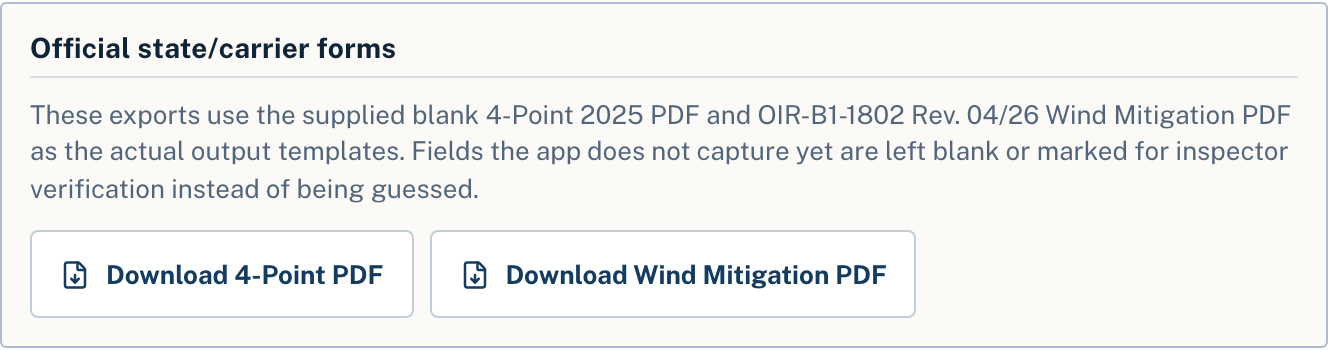
An actual Inspector Gadgets interface capture. This shows the export controls, not a completed sample report.
Your inspection. Your signature.
Confirm the form and edition required by the carrier, program and assignment. A qualified inspector performs the inspection, reviews the findings and supporting evidence, and signs the final document.
Inspector Gadgets does not determine insurance eligibility or guarantee carrier acceptance. It is not affiliated with or endorsed by Citizens Property Insurance Corporation.
Practical questions
Yes. Create a free account without a card and run your first address end to end; the finished report is stamped SAMPLE. Clean, submission-ready reports come with a plan: $50 a month or $500 a year, both with unlimited inspections. See the current plans and renewal terms.
No. Inspector Gadgets is software used by inspectors to organize and prepare reports. Homeowners should arrange the physical inspection with an appropriately qualified inspection professional.
These are different workflows. The 4-Point focuses on the four named systems; Inspector Gadgets also supports a full-home report and the separate wind mitigation form. Confirm the assignment before choosing the report.
Try it on an upcoming inspection
Bring a real job through the workflow, review the evidence, and see the finished report, stamped SAMPLE, before choosing a plan.
Start a Free Sample InspectionNo card at signup · First address free · $50/mo or $500/yr, unlimited