Inspector Gadgets

Florida forms without the duplicate entry

Pre-fill the forms from the inspection you already completed.

Inspector Gadgets carries reviewed property, system, photo, and inspector information into the Florida form templates configured in the product. You check the work, resolve anything missing, and sign the finished report.

4-Point — the form carriers ask for

Prepare the Florida 4-Point Inspection form.

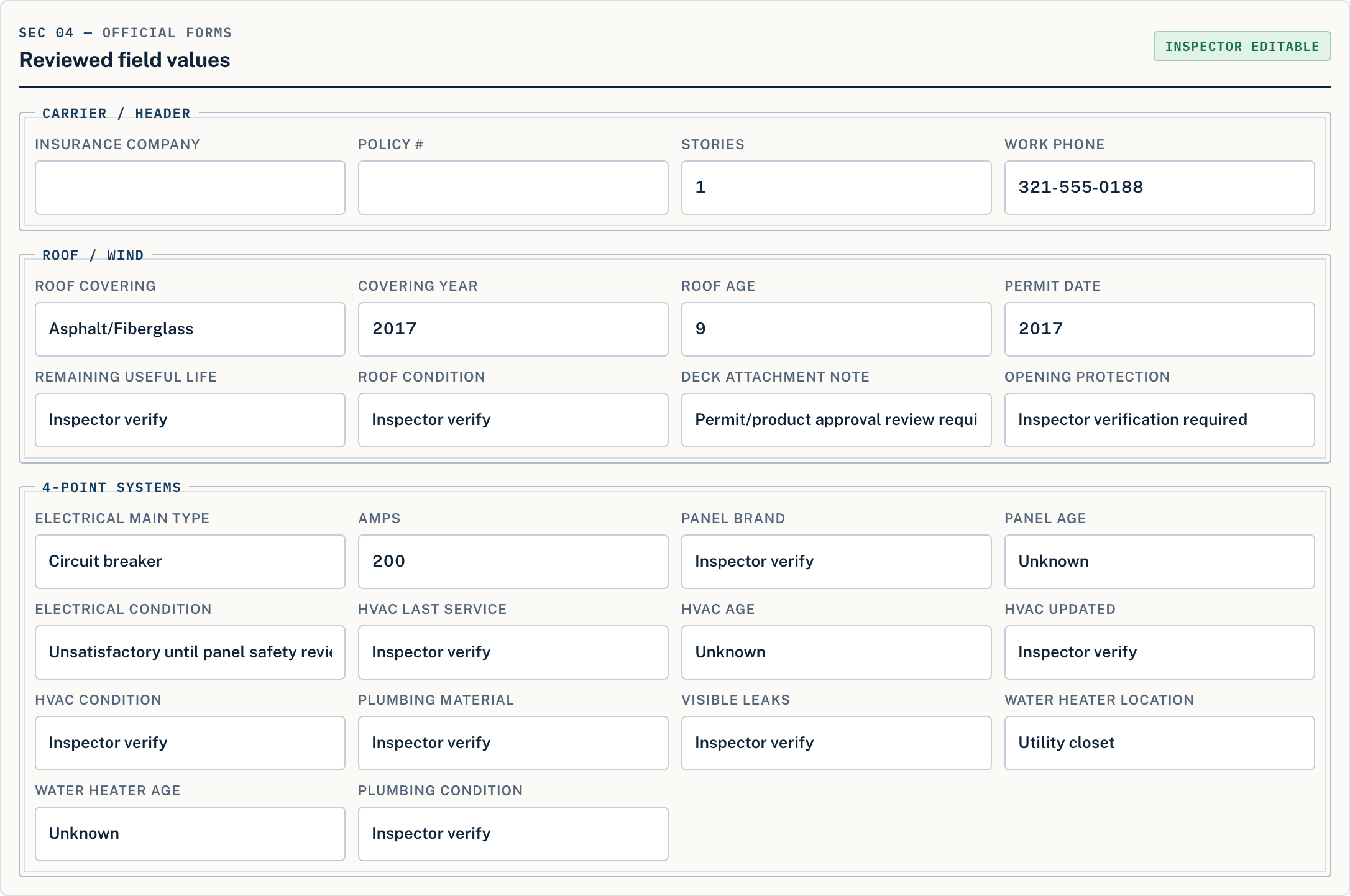
Organize the roof, electrical, plumbing, and HVAC information in the guided inspection, attach the required photos, and use the reviewed data to prepare the configured 4-point PDF. The qualified inspector confirms every entry and signs the final form.

  • Roof, electrical, HVAC, and plumbing sections
  • Required photo pages appended
  • Configured Florida 4-Point 2025 template
  • Unverified fields stay blank, never guessed

Florida 4-Point software: workflow and photo-preparation checklist →

Inside the appReport export controls
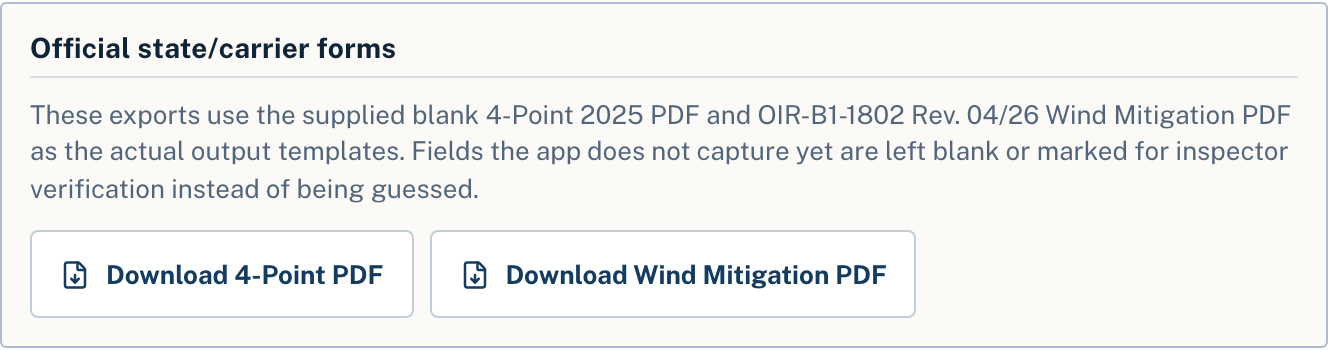
Inspector Gadgets report controls offering Download 4-Point PDF and Download Wind Mitigation PDF

Wind mit — the form every underwriter knows

Prepare the OIR-B1-1802 wind mitigation form.

Capture the building, roof-covering, roof-deck attachment, roof-to-wall connection, geometry, secondary-water-resistance, and opening-protection information required by the workflow. Inspector Gadgets places reviewed values and supporting photos into the configured OIR-B1-1802 Rev. 04/26 output.

  • Roof covering, deck attachment, and roof-to-wall
  • Roof geometry and secondary water resistance
  • Opening protection with supporting photos
  • Configured OIR-B1-1802 Rev. 04/26 template

The wind mitigation deep dive — the new Rev. 04/26 form and permit-evidence roof age →

Official 1802 fieldsRev. 04/26
The OIR-B1-1802 Rev. 04/26 output with matching photo documentation

Review gate — the inspector owns the report

The software prepares the paperwork. The inspector owns the report.

Inspector Gadgets does not replace the inspection or the inspector's judgment. It keeps information organized, identifies missing work, and prepares the configured documents. The licensed inspector verifies the property, reviews every finding, confirms the form edition required for the assignment, and signs the final report.

Form requirements and acceptance can vary by carrier, program, and assignment. Confirm the required form and edition before delivery. Inspector Gadgets does not guarantee carrier acceptance or insurance outcomes.

Use it on a real job

Fill the forms from your next inspection.

Create your free account — no card needed — then run your next inspection. Your first address is free, with the finished report stamped SAMPLE. Clean, submission-ready reports come with a plan: $50 a month or $500 a year, both unlimited.

Get Started